

Now in free beta
Find dinner. Plan your week. Cook with confidence.
Swipe for dinner ideas, plan with your household, cook one step at a time, and shop from a list that writes itself.
Free during beta · No card needed · Works on any phone
Your week, sorted
One plan for the whole household
4.8 · Highest rated
How it works
From “what's for dinner?” to dinner on the table
Meal Planner makes figuring out what to eat, what to buy, and how to cook it ridiculously easy.
Discover recipes you'll actually want to make, build your weekly meal plan, and instantly turn it into a ready-to-shop grocery list.
Already have a recipe you love? Import it. Have an idea for something new? Use AI to create your own recipe from scratch.
Then, when it's time to cook, Meal Planner walks you through each recipe with simple, step-by-step visual instructions—so even total beginners can cook with confidence.
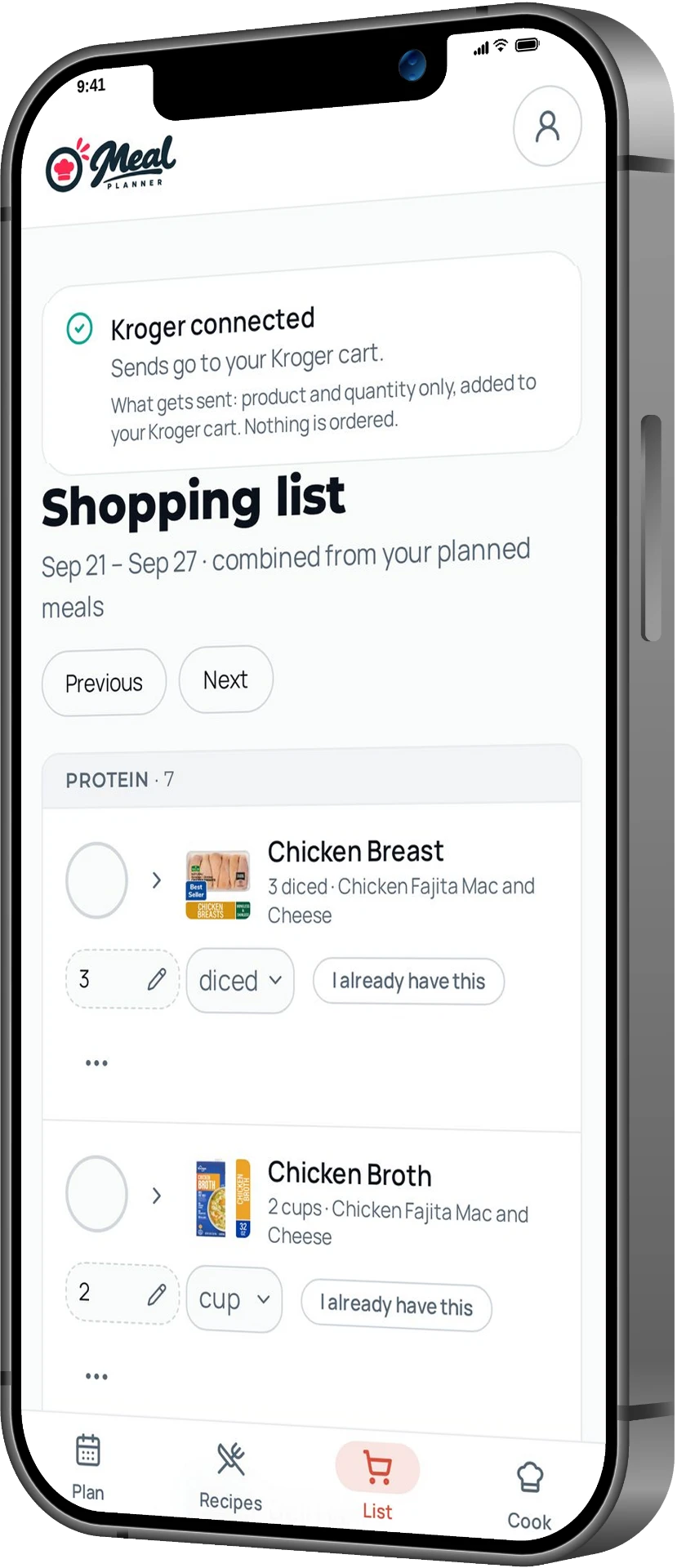
When your meal plan is ready, your grocery list is ready too. Export it to Notes or send it straight to your Kroger cart.
From “What should I make?” to groceries in your cart to dinner on the table—all in one place.
Pick recipes
Swipe, browse, import a link, or let AI invent one.
Plan your week
Drop meals on days. Everyone in the house sees the same plan.
Cook & shop
Follow clear cooking steps and take one combined list to any store.
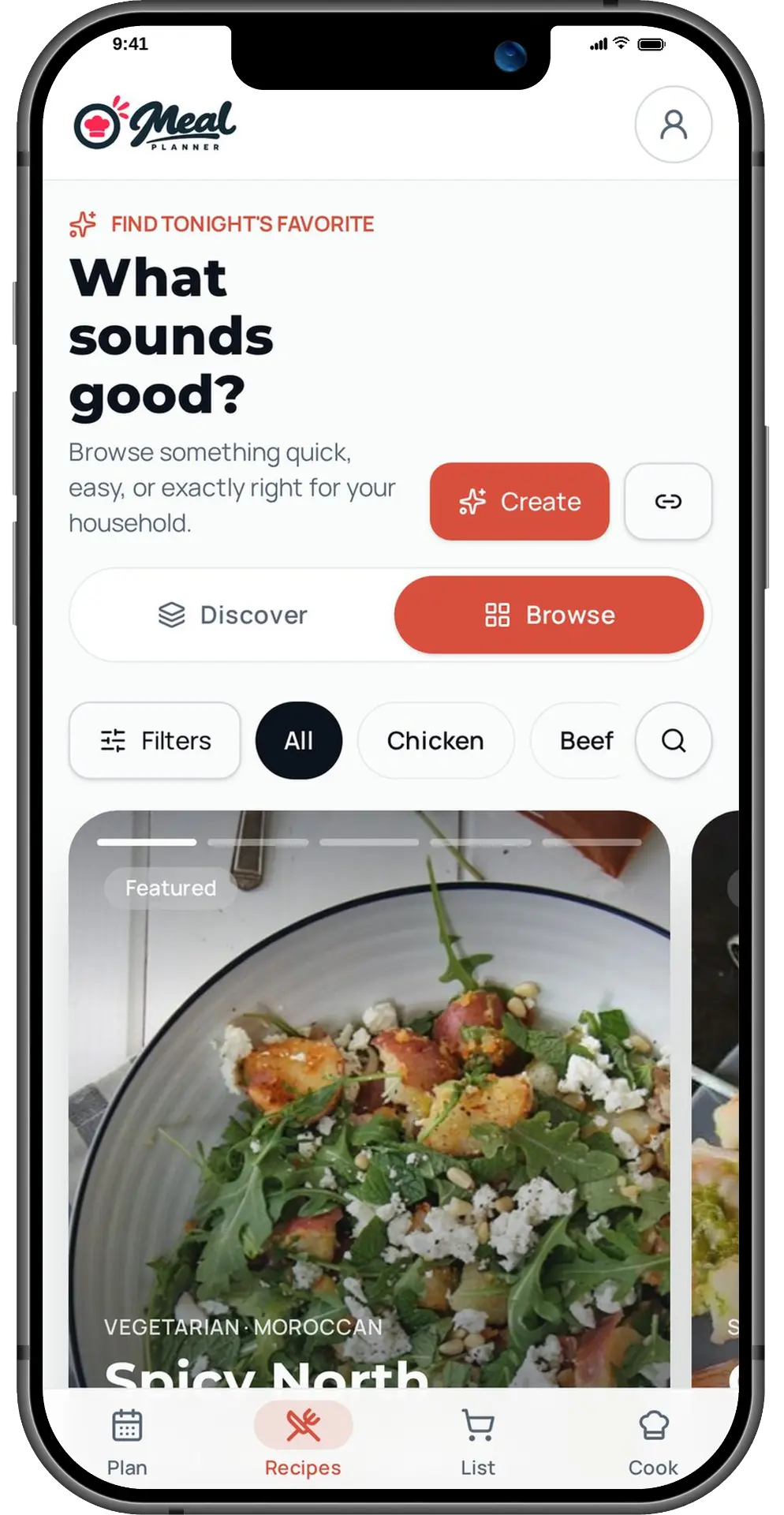
Browse & get inspired
Swipe your way to dinner
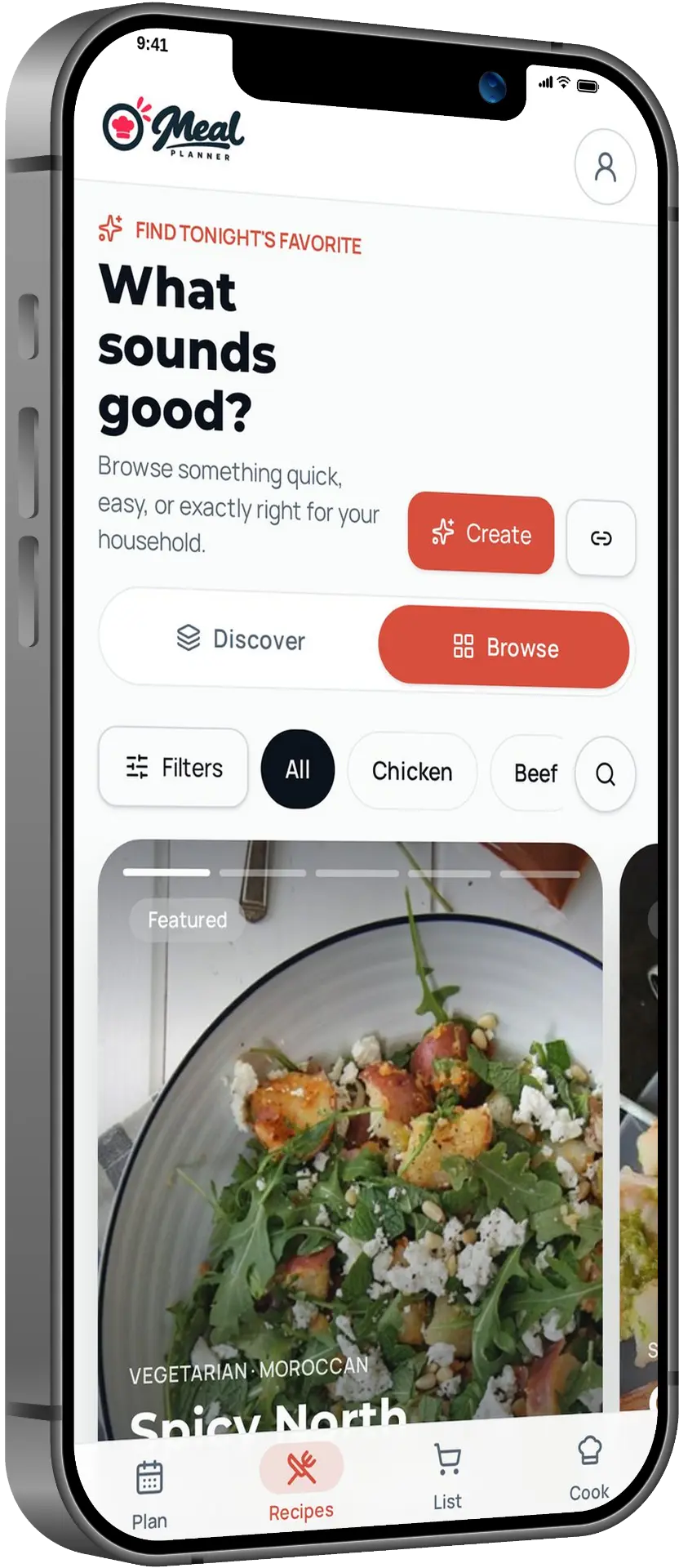
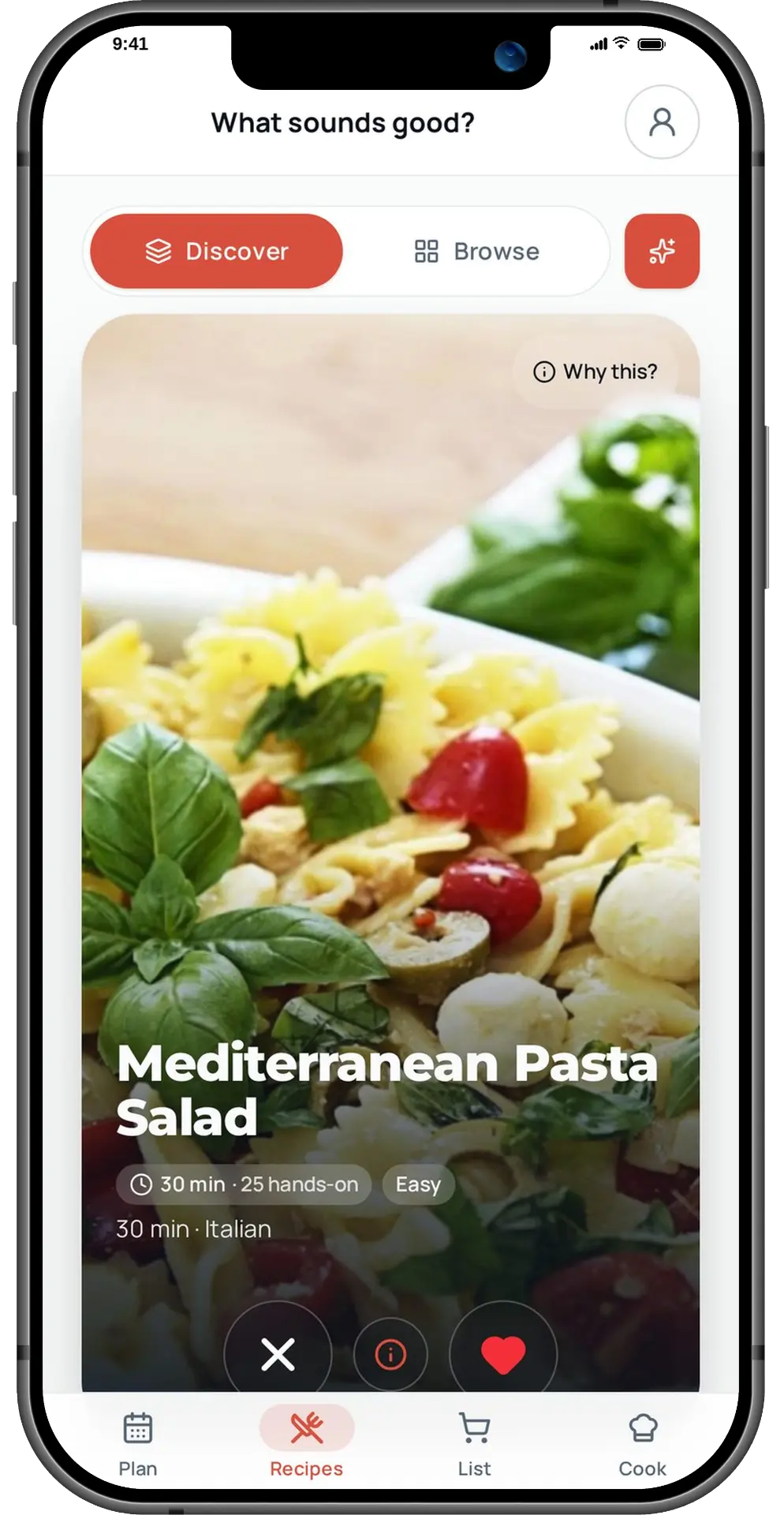
Discover serves recipes one card at a time — swipe right to love, left to pass, and it learns what your household likes. Or browse rows by category, search anything, and see what's highest rated.
- Double-tap to like
- Highest rated and category rows
- Filters for time, diet and effort
4.8 (12 ratings)
Weekly meal planning
A week of dinners, without the daily debate
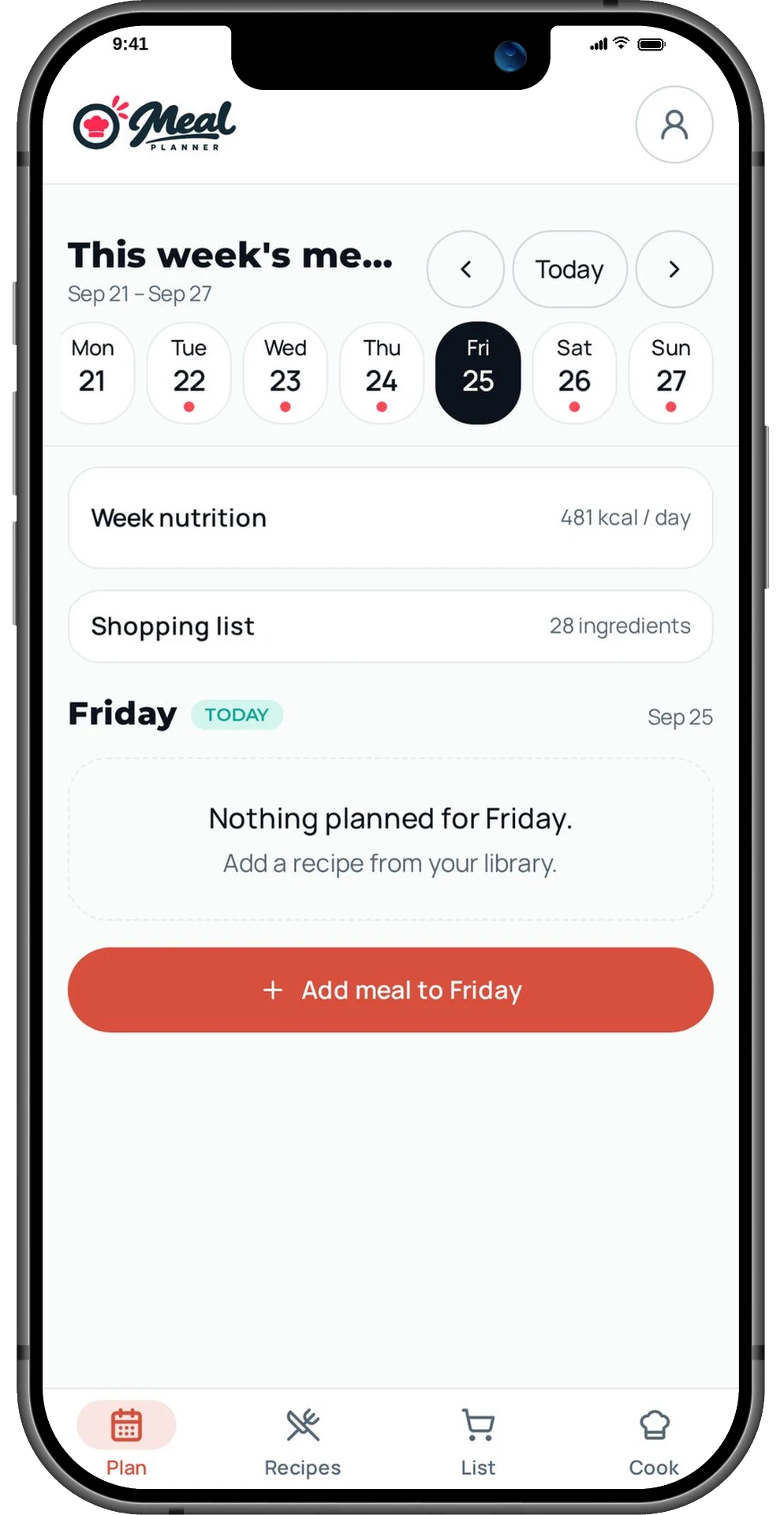
Put recipes into your week, move meals around as plans change, and let everyone in the household see what's coming up. Swap a meal when you find something better.
- See the whole week at a glance
- Swap meals when plans change
- One shared plan for your household
Dinner is planned
The whole week in one place
Cook mode
Hands busy? Every step, big and clear
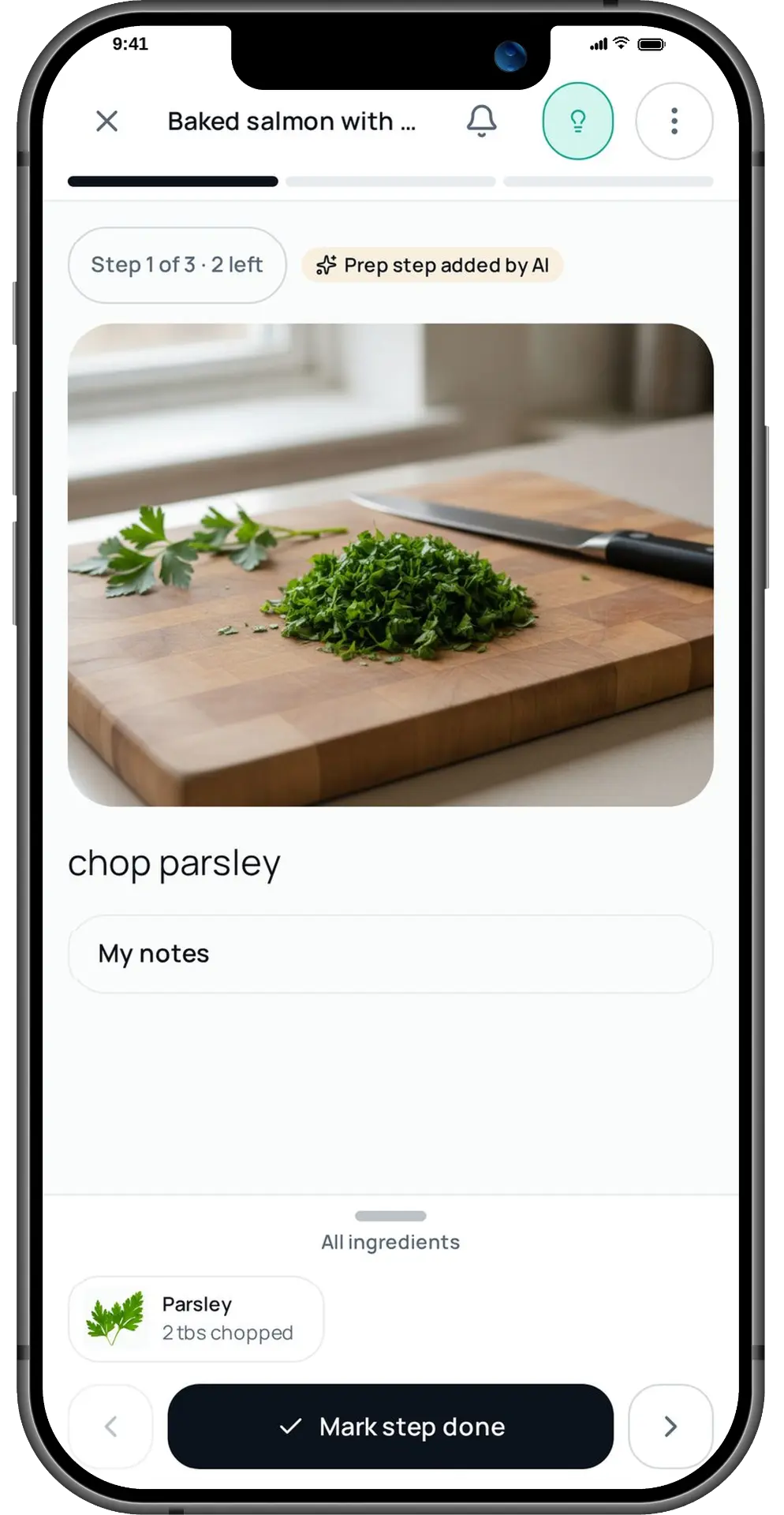
Step-by-step cooking with a picture for each step, the ingredients you need right now, and timers that alert your phone even if the browser is closed.
- One step at a time, huge text
- Timers with push alerts
- Rate it when you're done
08:42 left
We'll ping you when it's done
Shopping, simplified
Your list writes itself — for any store
Plan a few recipes and their ingredients come together in one shopping list. Check things off as you shop and skip what you already have. Shop at Kroger? You can also send new items straight to your cart and review them before checkout.
- Ingredients combined across recipes
- Pantry staples skipped automatically
- Kroger connection is optional
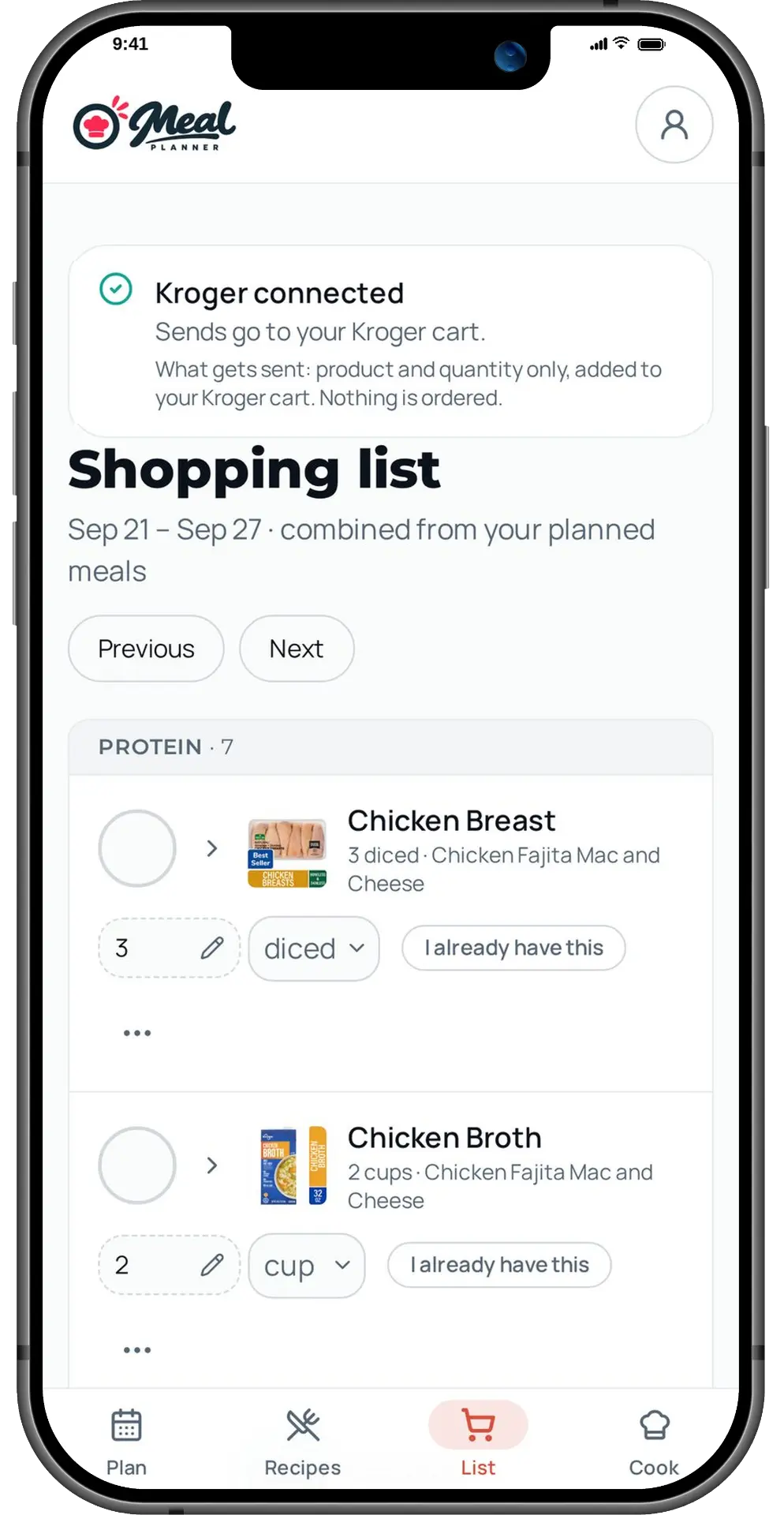
One list for every meal
Shop wherever you like
Import any recipe
Paste a link. Get a clean recipe.
Found something on a blog? Paste the link and Meal Planner pulls out the ingredients and steps — no life stories, no pop-ups — ready to plan and shop.
- Works with most recipe sites
- Ingredients ready for your list
- Saved to your household library
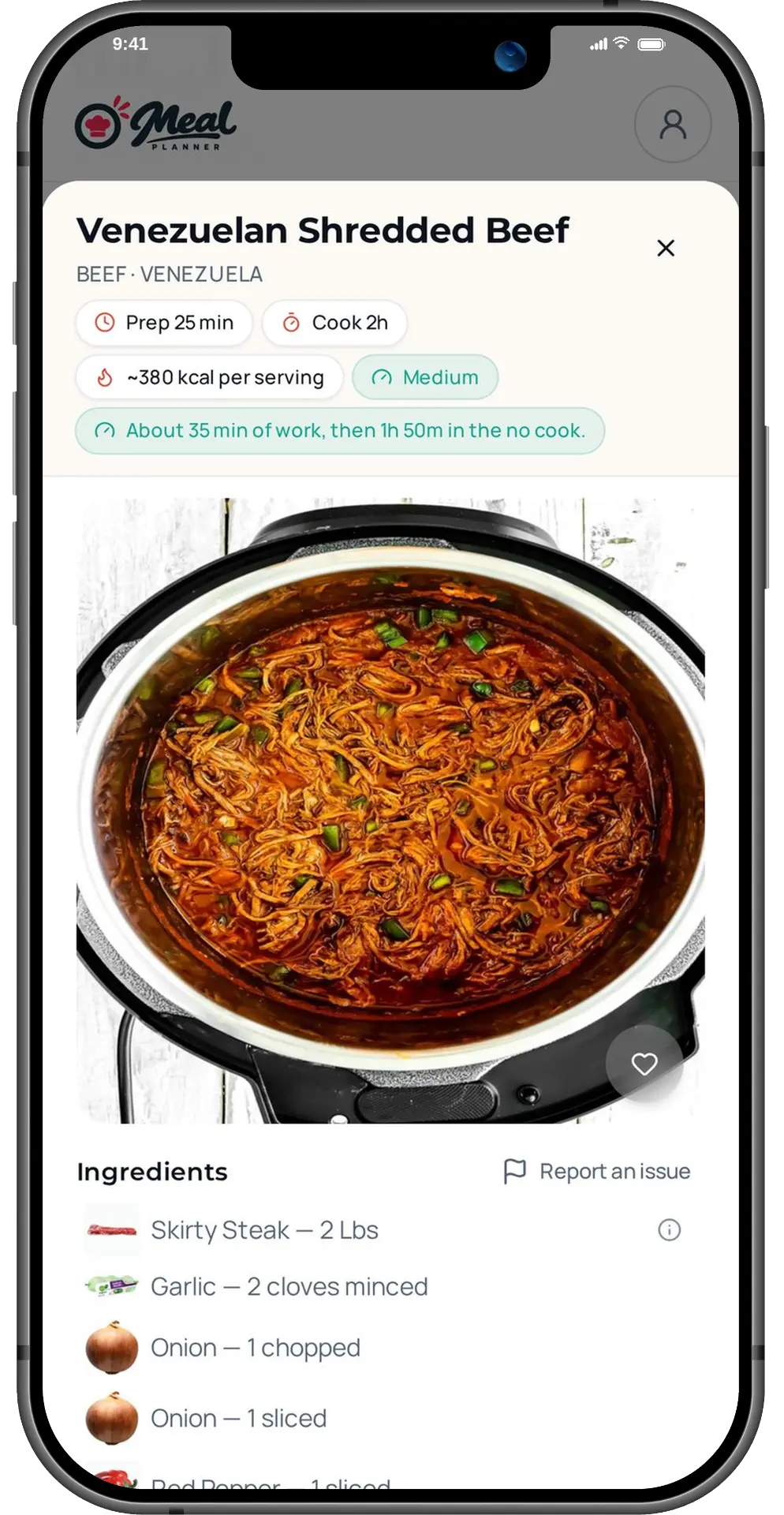
Recipe imported
12 ingredients · 6 steps
AI that speaks grocery
Recipes translated into what you can actually buy
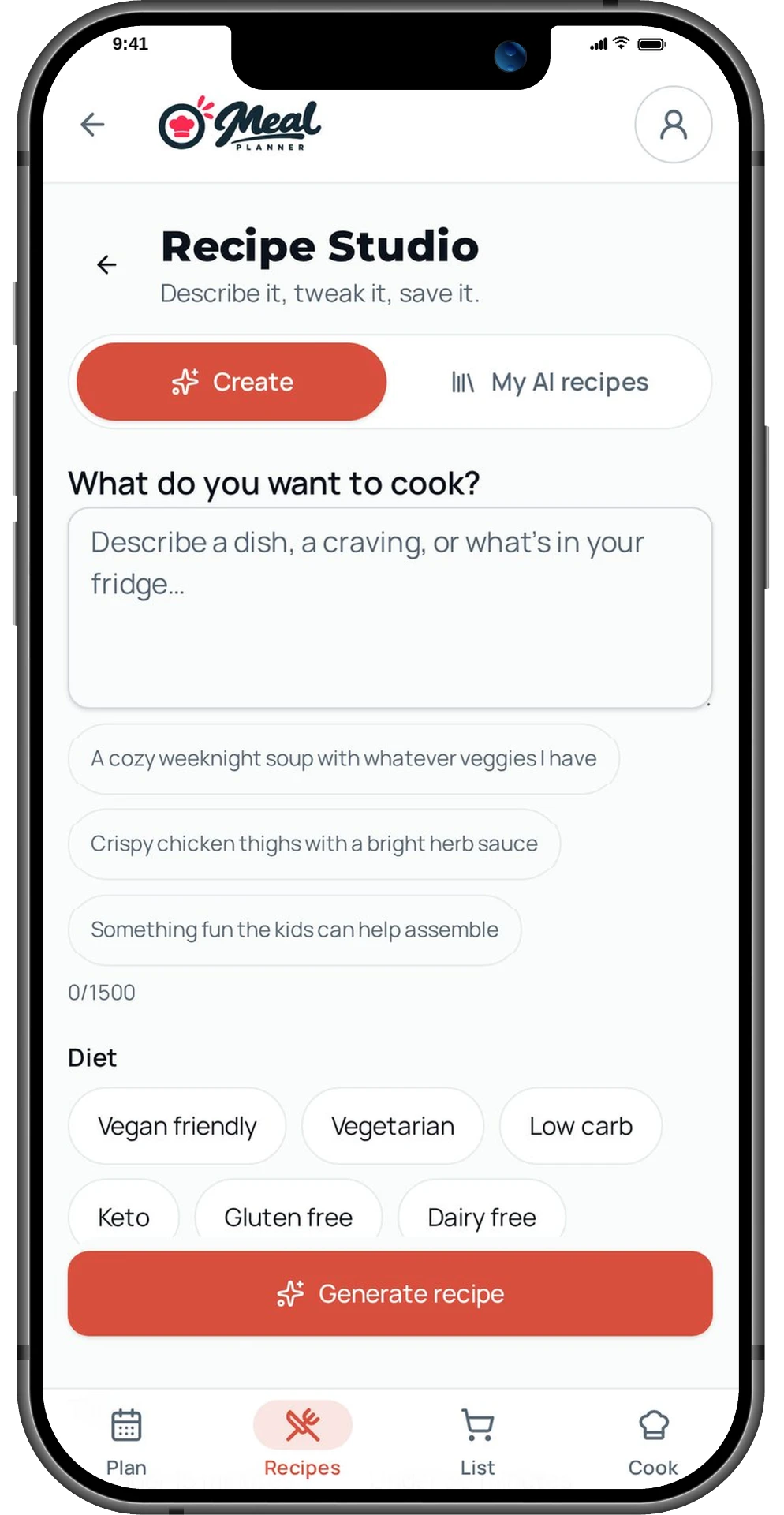
Our AI turns “2 cloves garlic” or “500 g pasta” into US amounts and real packages, estimates prep time and nutrition, fills in missing photos — and Recipe Studio creates brand-new recipes from a sentence.
- Metric to US, amounts to packages
- Prep, cook time and macros estimated
- Describe a craving, get a recipe
500 g → 1.1 lb
Buy: 1 box (16 oz)
Built for households
One plan. One list. Everyone in sync.
Invite your partner or roommates by email. Everyone plans into the same week, checks off the same list, and your allergies and diets act as safety filters on every recipe.
- Invite by email or code
- Allergy and diet safety filters
- Changes sync instantly
3 people in your home
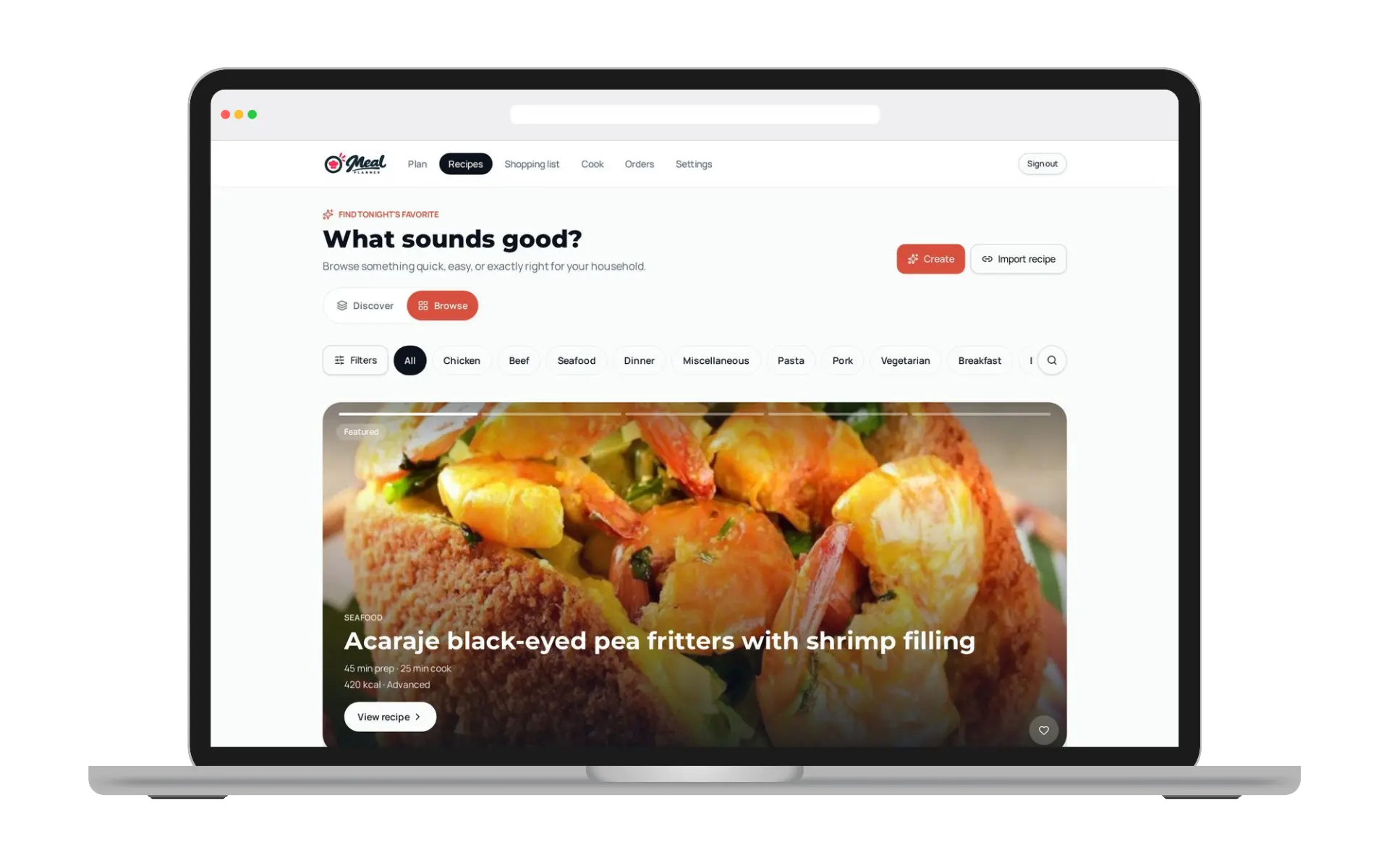
Works everywhere
Plan on the laptop. Shop from your phone.
And a pantry full of extras
Pantry staples
Remembers what you always have.
Order history
Every Kroger send, with its recipes.
Nutrition targets
Daily calories and macros per person.
Star ratings
See what other cooks loved.
Home Screen app
Full-screen on iPhone and Android.
Email invites
Bring the whole household in a tap.
Allergy filters
Unsafe recipes are never shown.
Timer alerts
Push, then an email backup.
Learns your taste
Likes and passes shape suggestions.
Tonight's dinner is three taps away
Set up your household in under two minutes. Free while we're in beta.
Try it free